When the lights go out, the most important question for parents using a smart sock monitor is simple: how do I keep my baby's vitals tracker running? For Owlet Dream Sock power outage charging, the short answer is to keep a fully charged USB-C power bank (10,000 mAh or larger) dedicated to the Base Station, pair it with a small uninterruptible power supply (UPS) for your Wi-Fi router, and have a no-Wi-Fi backup baby monitor ready in case cellular hotspots fail. The Dream Sock charges its Base Station via USB-C at 5V/2A, so almost any modern phone power bank will keep it alive for many hours.
This guide walks through exactly how to plan, charge, and bridge the Dream Sock through outages lasting anywhere from a few minutes to several days in 2026, plus the backup gear worth keeping in the nursery closet.
Understanding how the Owlet Dream Sock actually draws power
Top Picks
Before you can plan backup power, you need to know what's actually plugged in. The Dream Sock itself is a small wearable that contains a rechargeable lithium-ion battery. It pairs wirelessly with the Base Station, which is the puck-shaped unit that plugs into the wall and acts as the charging dock, status light, and Bluetooth/Wi-Fi bridge.



During normal use, the sock runs off its own internal battery for roughly 16-18 hours per charge. The Base Station is what consumes wall power continuously — it powers the charging pad and the wireless radios that communicate with the app. The Base Station draws about 5V at up to 2A over USB-C, which is comfortably within the output spec of any standard phone charger or power bank.
This is great news for outage planning: you are essentially keeping a smartphone-equivalent device alive, not a high-draw appliance. A 20,000 mAh power bank can theoretically run the Base Station for 30+ hours if it's the only thing plugged into it.
Step-by-step: Owlet Dream Sock power outage charging plan
1. Charge the sock fully before storms hit
If a storm or rolling blackout is in the forecast, dock the sock on the Base Station the evening before. A full charge gives you the longest runway and means you do not waste backup-battery capacity topping off a depleted sock during the outage.
2. Keep a dedicated USB-C power bank in the nursery
The cleanest solution for short outages (under 24 hours) is a high-capacity USB-C power bank reserved exclusively for the Base Station. Look for one with at least 20,000 mAh and a 5V/2.4A or higher output port. Plug the Base Station's USB-C cable directly into the bank, and the sock will continue communicating normally.
3. Put your router on a UPS
Even if the Dream Sock keeps charging, the Owlet app's smart notifications need internet to reach your phone if you are in another room of the house. A small 600-900 VA uninterruptible power supply (UPS) is enough to run a typical home router and modem for 2-4 hours, bridging brief utility outages with no interruption. Pair this with your phone as a cellular hotspot for longer events.
4. For long outages: a portable power station
If you live somewhere with frequent multi-day outages (hurricane corridors, ice-storm regions), step up to a 300-600 Wh portable power station. These can run the Base Station, Wi-Fi router, a small fan, and a phone charger simultaneously for 24-48 hours and can be recharged from a car's 12V outlet or a small folding solar panel.

5. Have a no-Wi-Fi backup monitor ready
Even with perfect Owlet Dream Sock power outage charging, the smart features depend on Wi-Fi. If your ISP goes down and cellular is congested, you lose remote notifications. A traditional radio-frequency (RF) baby monitor that does not use Wi-Fi will keep audio and video working as long as both halves are charged. This is the single most overlooked piece of an outage plan.
Backup monitors and chargers to pair with the Dream Sock
Below is a quick comparison of the gear most parents pair with the Dream Sock for outage resilience. None of these replace the sock — they complement it during loss of grid power or internet.
| Product | Best for | Wi-Fi required? | Battery runtime |
|---|---|---|---|
| Owlet Dream Duo (Gen 3) | Primary nursery setup with sock + camera | Yes | Base Station depends on USB power |
| Nanit Pro Smart Baby Monitor | HD video and sleep analytics | Yes | Plug-in, needs backup power |
| HelloBaby No-WiFi 5-inch PTZ | Offline outage backup | No | Up to 30 hours on parent unit |
| HelloBaby 5-inch, 2 Cameras | Multi-room offline monitoring | No | Up to 30 hours on parent unit |
| GoodBaby PTZ No-WiFi Monitor | Budget offline backup with pan/tilt | No | Long battery, rechargeable |
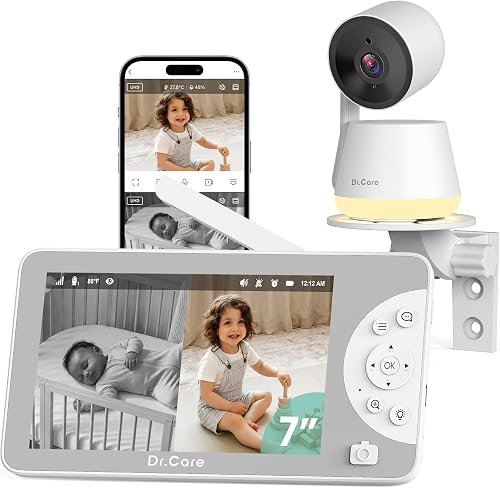
Owlet Dream Duo (Gen 3) Smart Baby Monitor, 2K HD Video
If you already own the Dream Sock and want everything to live inside one app, the Dream Duo bundle pairs the sock with a 2K HD camera. During an outage, both the Base Station and the camera can run from the same portable power station, and the camera adds visual confirmation that your baby is sleeping comfortably even when push notifications are slow. This is the most cohesive Owlet-native upgrade path. Check the Owlet Dream Duo on Amazon.
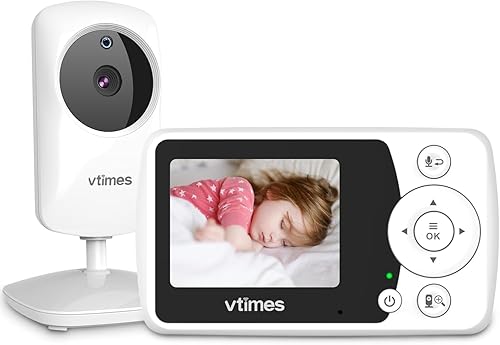
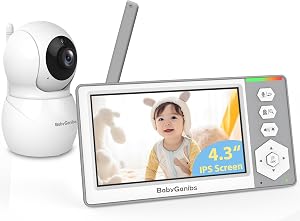
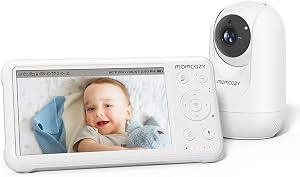
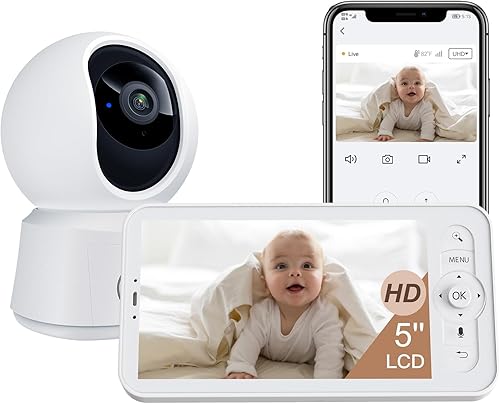
HelloBaby No-WiFi Baby Monitor, 5-inch, 30-Hour Battery, PTZ
This is the single best companion device to a smart sock for outage resilience. It uses a 2.4 GHz RF link that needs no Wi-Fi, no app, and no cellular signal. The parent unit's 30-hour battery means you can leave it on the bedside table all night and most of the next day without recharging. Pan, tilt, and zoom are remote-controlled from the parent unit. See the HelloBaby No-WiFi PTZ monitor on Amazon.
HelloBaby 5-inch Baby Monitor, 2 Cameras, 30-Hour Battery
For families with twins, a toddler plus newborn, or a baby who naps in two different rooms, the dual-camera HelloBaby gives you offline coverage in two zones with one parent screen. The same 30-hour battery and RF link makes it equally useful during outages. View the dual-camera HelloBaby on Amazon.
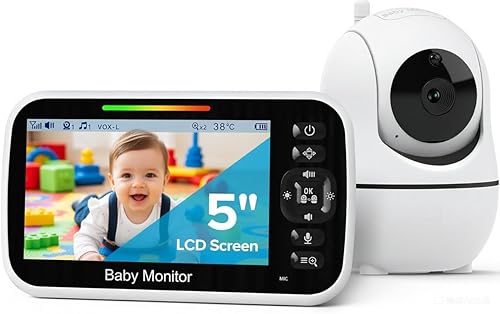
GoodBaby Baby Monitor with Camera & Audio, No WiFi, PTZ
A budget-friendly alternative if you only need outage coverage occasionally. Pan/tilt/zoom and two-way audio cover the basics, and the lack of Wi-Fi means it just works the moment you turn it on. Pair it with your Dream Sock's audible Base Station alerts and you have redundancy without the smart-home dependencies. Check the GoodBaby PTZ monitor on Amazon.
Nanit Pro Smart Baby Monitor, Camera & Floor Stand, 1080p
If you prefer a second Wi-Fi camera (rather than RF) for analytics and want it to also run off a portable battery during outages, the Nanit Pro is the most refined option. It draws low wattage over USB-C, so the same 20,000 mAh bank that powers the Dream Sock Base Station can also handle the Nanit for many hours. See the Nanit Pro on Amazon.
Power-bank sizing cheat sheet for Owlet Dream Sock power outage charging
Use this rough rule of thumb when picking a backup battery for the Base Station:
- 10,000 mAh — about 12-16 hours of Base Station runtime; enough for a typical evening outage.
- 20,000 mAh — roughly 25-32 hours; a single overnight plus the next morning.
- Portable power station 300 Wh — 2-3 days of Base Station + router + small fan.
- Portable power station 500-600 Wh — 4-6 days with conservative use, recharges from car or solar.
Always confirm your power bank supports pass-through charging if you want to charge the bank and the Base Station simultaneously when grid power briefly returns.
What to do if the sock itself runs out of charge mid-outage
The Dream Sock's internal battery is sealed and not user-replaceable, so once it runs out, you must dock it on the powered Base Station to recharge. There is no USB-C port on the sock itself. Plan around this by:
- Keeping the Base Station powered (this is the entire point of the backup plan above).
- Docking the sock during every diaper change so it tops up in 10-15 minute increments.
- Switching to your no-Wi-Fi backup monitor if you cannot keep the Base Station powered.
For more on choosing between wearable and camera-based monitors when off-grid, see our guide to the best no-Wi-Fi baby monitors for 2026 and our deep dive on portable power stations sized for nursery gear.
Internet-down scenarios: keeping alerts flowing
Owlet's heart-rate and oxygen notifications travel from the Base Station to Owlet's cloud and back to your phone. During an outage, you may still have power to the Base Station but no working Wi-Fi. In that case:
- Set your phone as a hotspot and connect the Base Station to it. The Base Station treats the hotspot as a normal Wi-Fi network.
- Stay within Bluetooth range of the Base Station. The local audible alarm on the Base Station works without internet — it is loud enough to wake parents in adjacent rooms.
- If cellular networks are congested (common during regional outages), rely on the Base Station's local alert tones and your no-Wi-Fi backup camera for visual reassurance.
For a broader look at network failover, we cover this in our piece on building an internet backup plan for smart nurseries.
Storm-season checklist
- Power bank at 100% the day before forecasted storms.
- Sock fully charged on the Base Station the night before.
- Router and modem on a UPS, tested monthly.
- No-Wi-Fi backup monitor batteries charged and parent unit synced.
- Phone plan with hotspot allowance verified.
- Portable power station topped off if you own one.
- USB-C cables (at least two spares) in the nursery drawer.
Frequently Asked Questions
How long does the Owlet Dream Sock battery last on a single charge?
The wearable sock itself runs about 16-18 hours on a full charge under normal use. Heavy Bluetooth re-pairing or very cold ambient temperatures can shorten this slightly. The Base Station has no internal battery, so it stops working the moment wall power (or your backup battery) is removed.
Can I charge the Owlet Dream Sock Base Station from a car USB port during a power outage?
Yes. Most modern car USB ports deliver 5V at 2.1A or higher, which is enough to run the Base Station. If your car only has a 12V cigarette-lighter socket, use a small inverter or USB-C car adapter rated for at least 18W. This is a useful option if you are sheltering in a vehicle during a winter outage.
Will the Owlet Dream Sock still alert me if the Wi-Fi is down but power is on?
The Base Station produces local audible and visual alerts based on the Bluetooth connection to the sock, independent of Wi-Fi. So yes, you will still be alerted in the home if oxygen or heart rate drops outside the safe zone. What you lose is remote notifications to your phone if you are out of Bluetooth range of the Base Station.
Is it safe to leave the Owlet Dream Sock running off a power bank overnight?
Yes, provided you use a reputable power bank with overcurrent and thermal protection (most major brands include this). The Base Station draws well below the typical bank's rated output, so the bank runs cool. Place the bank on a hard surface (not on bedding) and keep it out of reach of children.
What is the best backup baby monitor to use when the Owlet Dream Sock loses power?
A no-Wi-Fi RF monitor is the most reliable backup because it doesn't depend on your home network, ISP, or cellular service. Models like the HelloBaby 5-inch with a 30-hour parent-unit battery are designed to keep working when everything else is down. If you want video plus the sock data, pairing the Dream Duo bundle with a power station is the better choice.
Can I use a solar panel to keep the Owlet Dream Sock Base Station running off-grid?
Indirectly, yes. The Base Station expects steady 5V USB-C power, so you should not connect it straight to a small panel. Instead, use a solar panel (60-100W) to charge a portable power station or a power bank, then run the Base Station from the battery. This buffer smooths out cloud cover and gives you constant voltage.
How can I tell if the Owlet Dream Sock is still charging during a power outage?
The Base Station's LED ring shows status colors the same way it does on grid power. A pulsing color indicates the sock is docked and charging, while a steady color indicates a fully charged, undocked sock. If the LED is off entirely, your backup battery has either disconnected or run flat — check the USB-C cable first, then the battery's charge level.
Key Takeaways
- Choosing the right Owlet Dream Sock power outage charging means matching capacity and output ports to your actual devices
- Always check actual watt-hours (Wh), not just watts — runtime depends on Wh, not peak output
- Also covers: Owlet sock battery backup
- Also covers: charge Owlet during blackout
- Also covers: Owlet sock portable charger
- Compare price-per-Wh across models to find the best value for your budget