The best baby monitor for shared custody households in 2026 is one that either works independently in each home with a matching second unit, or streams to a smartphone app so both co-parents can check in from anywhere without handing off hardware. For parents splitting time across two houses, the Nanit Pro and Owlet Dream Duo lead because their app-based access lets each parent log in from their own home, while no-WiFi options like HelloBaby and GoodBaby work best when you want a complete, self-contained kit at each address. Below, we break down which baby monitor for shared custody households fits your specific arrangement — Wi-Fi friendly, privacy-first, or budget-balanced.
Why Shared Custody Changes the Baby Monitor Equation
Top Picks
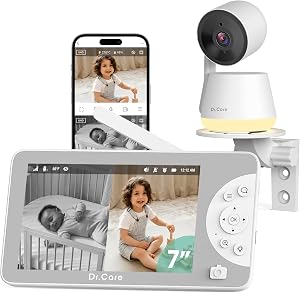
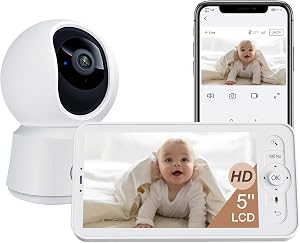
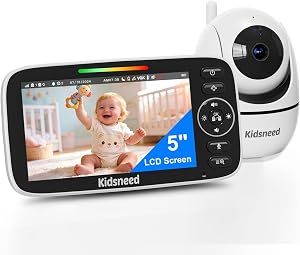
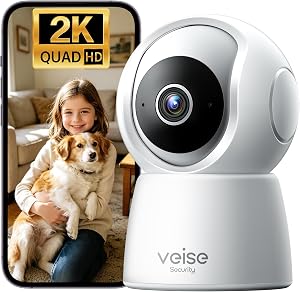
Most baby monitor reviews assume one nursery, one router, one set of parents. Shared custody flips that on its head. You might have an infant who sleeps three nights at Mom's apartment and four at Dad's house, or a toddler who alternates weeks between two homes hundreds of miles apart. The monitor that worked beautifully in a single-household setup can become a logistical headache: who packs it, who charges it, what if it gets left behind on a Sunday night drop-off?
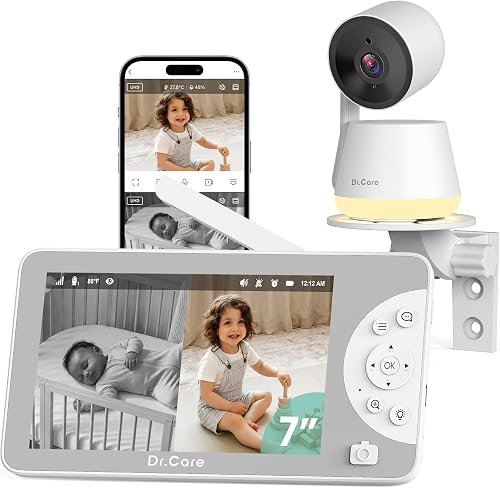



There are essentially three approaches that actually work for co-parents:
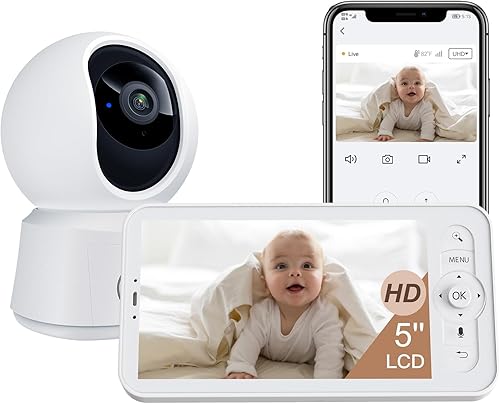
- App-based monitors with multi-user access: One camera in each home, both parents log in from their phones. The Nanit Pro and Owlet Dream Duo are the strongest options here.
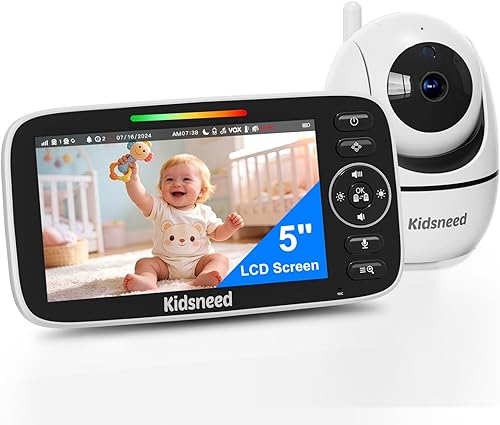
- Duplicate no-WiFi kits: Buy two identical local-only systems — one for each home. No internet, no accounts, no cross-household data sharing. HelloBaby and GoodBaby dominate this category.
- Hybrid setups: An app-based primary monitor at the household where baby spends more nights, plus a budget no-WiFi backup at the secondary home.
The right path depends on co-parenting dynamics, Wi-Fi reliability at both addresses, and how much you want (or don't want) the other parent to see inside your home.
Quick Comparison: Top Picks for Two-Household Families in 2026
| Monitor | Best For | Wi-Fi Required | Multi-User App | Display | Battery Life |
|---|---|---|---|---|---|
| Nanit Pro Smart Baby Monitor | Co-parents who want shared remote viewing | Yes | Yes — multiple invited users | Smartphone (1080p) | N/A (plug-in) |
| Owlet Dream Duo (Gen 3) | Parents tracking sleep/health across homes | Yes | Yes | Smartphone (2K HD) | N/A (plug-in) |
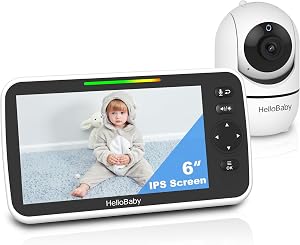
| HelloBaby No-WiFi (5-inch, PTZ) | Privacy-first households & spotty Wi-Fi | No | No | 5-inch handheld | 30 hours |
| HelloBaby 2-Camera Kit | One kit, two nursery rooms in same home | No | No | 5-inch handheld | 30 hours |
| GoodBaby PTZ No-WiFi | Budget duplicate setup for two homes | No | No | Handheld display | Rechargeable |
Top Baby Monitor Picks for Parents Sharing Custody
1. Nanit Pro Smart Baby Monitor — Best Overall for App-Based Co-Parenting
The Nanit Pro is our top recommendation for co-parents who are comfortable using a smart Wi-Fi monitor. Its 1080p overhead camera mounts on a floor stand (so you don't need to drill into a wall in a rental apartment), and the Nanit app supports multiple invited users — meaning the primary parent can grant the co-parent ongoing access to the live feed and sleep insights. Each household can either share one Nanit account or set up separate cameras at each address linked to the same app, so when baby is at Dad's, Mom can still peek in at night, and vice versa. The breathing-band-free motion tracking and sleep analytics also generate shared data that's genuinely useful when handing off context ("she had three wake-ups last night") between homes.
2. Owlet Dream Duo (Gen 3) — Best for Health Data Both Parents Can See
If your custody arrangement involves an infant with any feeding, oxygen, or sleep concerns, the Owlet Dream Duo is hard to beat. The Gen 3 system pairs a 2K HD camera with the Owlet Dream Sock, and the companion app shows real-time pulse and oxygen readings alongside the video feed. For shared custody, that means both parents see the same vitals data regardless of which home baby is in — a huge benefit when communicating with a pediatrician across households. The 2K resolution also means you can pinch-zoom for fine detail without losing clarity, which matters when you're checking on a sleeping baby from a work meeting across town.
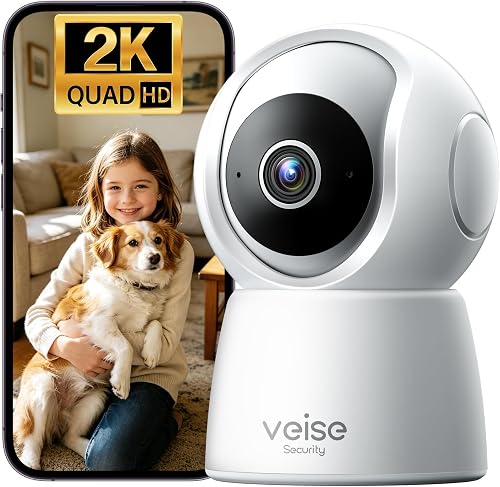
3. HelloBaby No-WiFi Baby Monitor (5-inch, 30-Hour Battery, PTZ) — Best for Privacy-First Co-Parents
Not every co-parenting situation is high-trust, and frankly, not every co-parent wants the other one watching live footage inside their home. The HelloBaby no-WiFi monitor is the cleanest solution: it uses a closed FHSS radio signal between camera and handheld display, so there's no internet, no app, no cloud account, and no way for anyone outside that household to access the feed. The 5-inch screen with pan-tilt-zoom and 30-hour battery makes it genuinely portable — perfect if you're the parent who wants a self-contained kit that goes wherever baby goes, or if you want to buy two identical units (one per home) and call it done.
4. HelloBaby 5-inch Baby Monitor with 2 Cameras — Best for Multi-Room Households
If one (or both) of your co-parenting homes has the baby's crib in one room and a toddler sibling in another — or a nursery plus a play area you want eyes on — the 2-camera HelloBaby kit gives you both feeds on a single 5-inch screen with easy switching. It's still no-WiFi, still 30 hours of battery, and still self-contained. For families where one household is the primary residence with multiple rooms to monitor and the other house has a simpler setup, this kit pairs nicely with a single-camera no-WiFi unit at the second home.
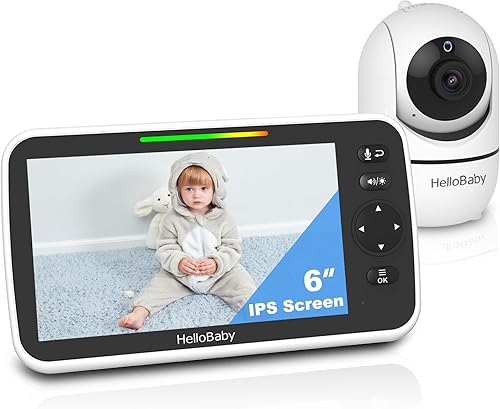
5. GoodBaby Baby Monitor with Camera & Audio (No WiFi, PTZ) — Best Budget Duplicate Pick
When you need two complete monitor kits — one at each home — without spending app-tier money twice, the GoodBaby no-WiFi PTZ monitor is the most reliable budget option. It offers pan-tilt-zoom remote camera control, two-way audio so each parent can soothe baby from another room, and lullaby and temperature features. Because it's a closed local system, you're not sharing any data between households, and there's nothing to configure on a new router every time you move. Buy two, leave one at each house, and you've eliminated the "who has the monitor this weekend?" problem entirely.

How to Decide: Three Co-Parenting Scenarios
Scenario A: Friendly Co-Parents, Same City, Reliable Wi-Fi
Go app-based. One Nanit Pro at each home (or one Nanit + one Owlet, depending on whether sleep analytics or health tracking matters more) gives both parents continuous visibility and a shared data trail. If you also keep a shared calendar for feeds and naps, see our guide on baby sleep tracking apps that sync between caregivers.
Scenario B: High-Conflict or Privacy-Sensitive Co-Parents
Buy two identical no-WiFi kits — the HelloBaby PTZ or GoodBaby PTZ are both excellent — and keep them at each home. Neither parent can access the other's feed. There's no account login that complicates a future legal proceeding. Baby always has eyes on her, but the homes stay private.
Scenario C: Long-Distance Custody (Different States/Cities)
Go hybrid. The Nanit Pro or Owlet Dream Duo at the primary residence lets the long-distance parent check in from anywhere, while a no-WiFi unit at the secondary home ensures baby is monitored even if the visit involves shaky hotel Wi-Fi or a guest bedroom at a grandparent's house. For travel tips, our piece on portable baby monitors for travel between homes goes deeper on packing logistics.
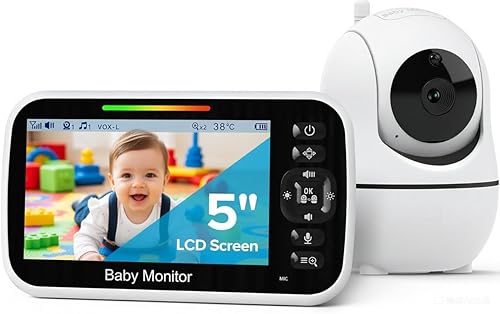
What to Look For When Buying Two of the Same Monitor
- Identical models, not just brands. If you buy two no-WiFi monitors, get the exact same model so the user interface is identical at both homes. Babysitters, grandparents, and the other parent shouldn't have to relearn anything.
- Power supply universality. Check that the charger is USB-C or at minimum a standard barrel jack you can replace easily. Lost chargers at one house shouldn't mean a monitor is dead all weekend.
- Mount flexibility. Floor stands (like the Nanit Pro's) work better than wall mounts in rentals or grandparent guest rooms where you can't drill.
- Battery life for handhelds. 30 hours (like both HelloBaby units) means the parent handheld survives a weekend without scrambling for a charger in an unfamiliar drawer.
- Two-way audio. Talking to baby through the monitor is helpful in any home, especially during nap transitions in a new room.
Setup Tips for Two-Household Families
Once you've chosen your monitor strategy, a little upfront setup makes the weekly handoff far smoother:
- Label everything. A small piece of tape with "Home A" or "Home B" on each unit prevents mix-ups if you ever do transport hardware.
- Save Wi-Fi credentials. If you're using an app-based monitor, save the SSID and password for each home in a shared password manager you both can access. Routers change, and a monitor that won't reconnect at 9 pm is a nightmare.
- Pre-mount or pre-position cameras. Decide once where each camera lives in each nursery and don't move it. Consistent framing helps baby (and you) recognize the space across visits.
- Agree on what's shared. If you're using a Nanit or Owlet account jointly, agree in writing on whether either parent records clips, takes screenshots, or shares footage outside the app. Treat it like any other shared digital asset.
- Keep a single "go bag" for the in-between. Even with two full setups, a battery pack and a charging cable in baby's transition bag can rescue a dead handheld at the worst moment.
Frequently Asked Questions
Do I need to buy two baby monitors if I share custody?
For most co-parenting situations, yes — two monitors (one per home) is far less stressful than transporting a single unit at every drop-off. If you go the no-WiFi route, buy two identical kits. If you go the app-based route with Nanit Pro or Owlet Dream Duo, you can install one camera at each address but share the app account between both parents.
Can two parents access the same baby monitor app from different homes?
Yes. Both the Nanit and Owlet apps support multiple authorized users, so one parent can grant the other ongoing access to the live feed and notifications. You'll each install the app on your own phone, sign in with the shared (or invited) account, and see the same camera regardless of which home baby is in that night.
What's the best no-WiFi baby monitor for shared custody households?
The HelloBaby 5-inch No-WiFi PTZ monitor and the GoodBaby No-WiFi PTZ monitor are the two strongest no-WiFi picks for co-parents. Both are completely self-contained — no app, no cloud, no shared account — which makes them ideal when each household wants its own private setup. Buying two identical units (one per home) eliminates handoff logistics entirely.
Can I use one baby monitor and just take it between houses?
You can, but it's a logistical headache and a real risk for the nights it gets forgotten. App-based monitors also need to reconnect to a new Wi-Fi network each time you move them, which can take 10-30 minutes per swap. Most co-parents who try this for a few months end up buying a second unit. Budget the second monitor from the start.
Are smart Wi-Fi baby monitors safe to use in two different homes?
Yes, when each home has a secure router (WPA2 or WPA3 password protection) and you keep firmware updated. The Nanit Pro and Owlet Dream Duo both use encrypted connections, so the bigger risk is a weak home Wi-Fi password rather than the monitor itself. If either co-parent's home has unknown router security — like a shared apartment building network — a no-WiFi monitor at that address is the safer pick.
How do I keep my baby's sleep schedule consistent across two homes?
Use a monitor with built-in sleep tracking (the Nanit Pro is especially strong here) so both parents see the same data on naps, wake windows, and overnight stretches. Pair it with a shared digital sleep log or app. Our sleep tracking apps guide covers the best options for handoff-friendly logging in 2026.
What features matter most in a baby monitor for shared custody households?
Prioritize: (1) ease of identical setup at both homes, (2) multi-user app access if going Wi-Fi, (3) long handheld battery if going no-WiFi, (4) portable mounting options that work in rentals, and (5) a privacy model both co-parents agree on. The right baby monitor for shared custody households is less about the fanciest feature set and more about reducing friction at every Sunday-night drop-off.
The Bottom Line
For tech-comfortable co-parents who want shared visibility, install a Nanit Pro or Owlet Dream Duo at each home and invite both parents to the app. For privacy-first families or anyone with unreliable Wi-Fi at either address, buy two identical no-WiFi kits — the HelloBaby PTZ or GoodBaby PTZ are both reliable, affordable picks. Either way, the goal is the same: one less thing to remember at the door on handoff day, and the same peaceful peek into the nursery no matter whose night it is.
For more on building a smart nursery that works across households, see our guides on the best smart nursery tech in 2026 and portable baby monitors for travel.
Key Takeaways
- Choosing the right baby monitor for shared custody households means matching capacity and output ports to your actual devices
- Always check actual watt-hours (Wh), not just watts — runtime depends on Wh, not peak output
- Also covers: coparenting baby monitor
- Also covers: two house baby monitor setup
- Also covers: custody baby monitor sharing
- Compare price-per-Wh across models to find the best value for your budget